Activate Account
The Prov Test Site Management platform is an application designed to streamline the management and oversight of certified test centers. It serves as a centralized system connecting test sites, test centers, and clients, ensuring seamless operations.
To activate your account with the TSM platform, follow the steps below:
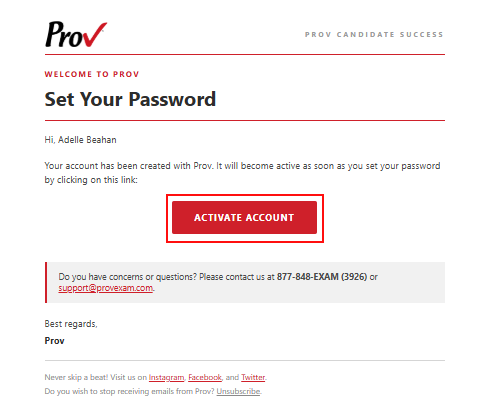
- Go to the registered email address and find the verification email.
- In the email, click the Activate Account link to set a new password.
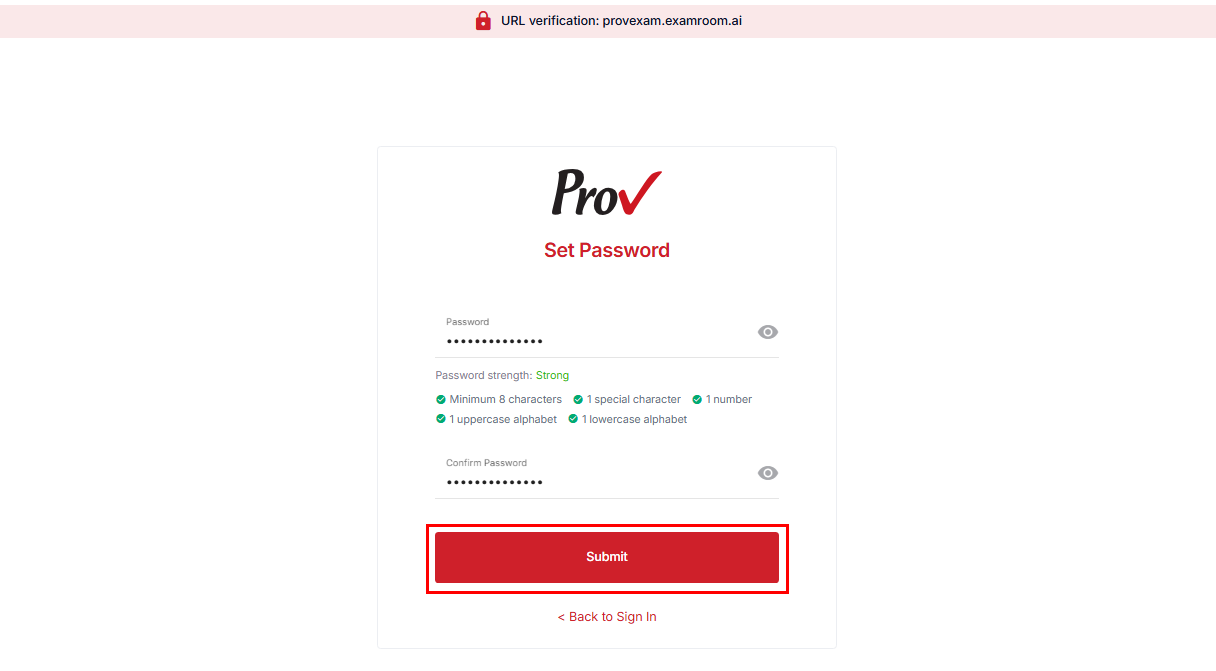
- On the Set Password page, enter your new password in the Password field and retype it in the Confirm Password field for verification.
Note: Please ensure the password meets the organization's security standards, which require a minimum of fourteen 14 characters that include at least one uppercase, one lowercase, one digit, and one special character.
- Click Submit to create and activate your account.
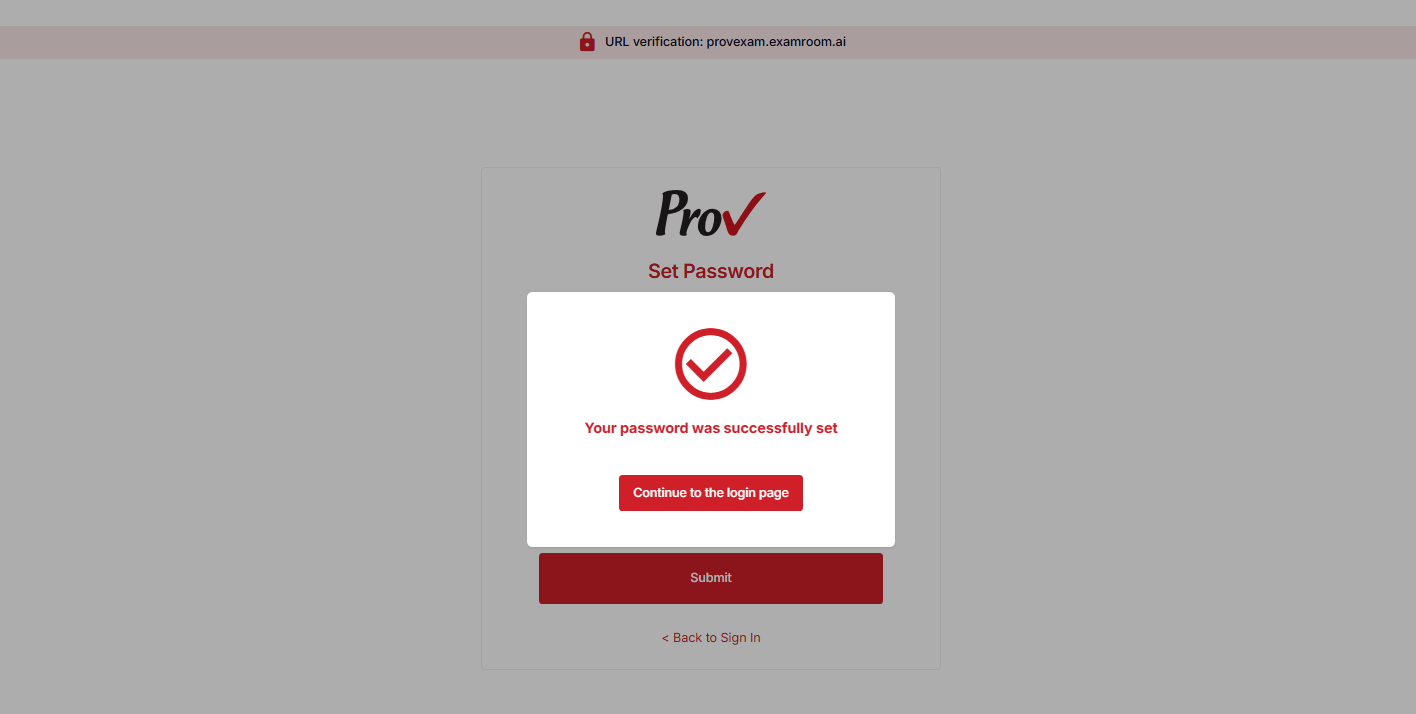
- After submitting, a dialog box appears, indicating that your password has been successfully changed. Click the Continue to the login page button to proceed to the login page and access your account.