Certificate
The Certificate feature allows Operations Staff to view certificates generated for certified test centers and access the certificate details.
View a Certificate
Follow these steps to view a test center certificate:
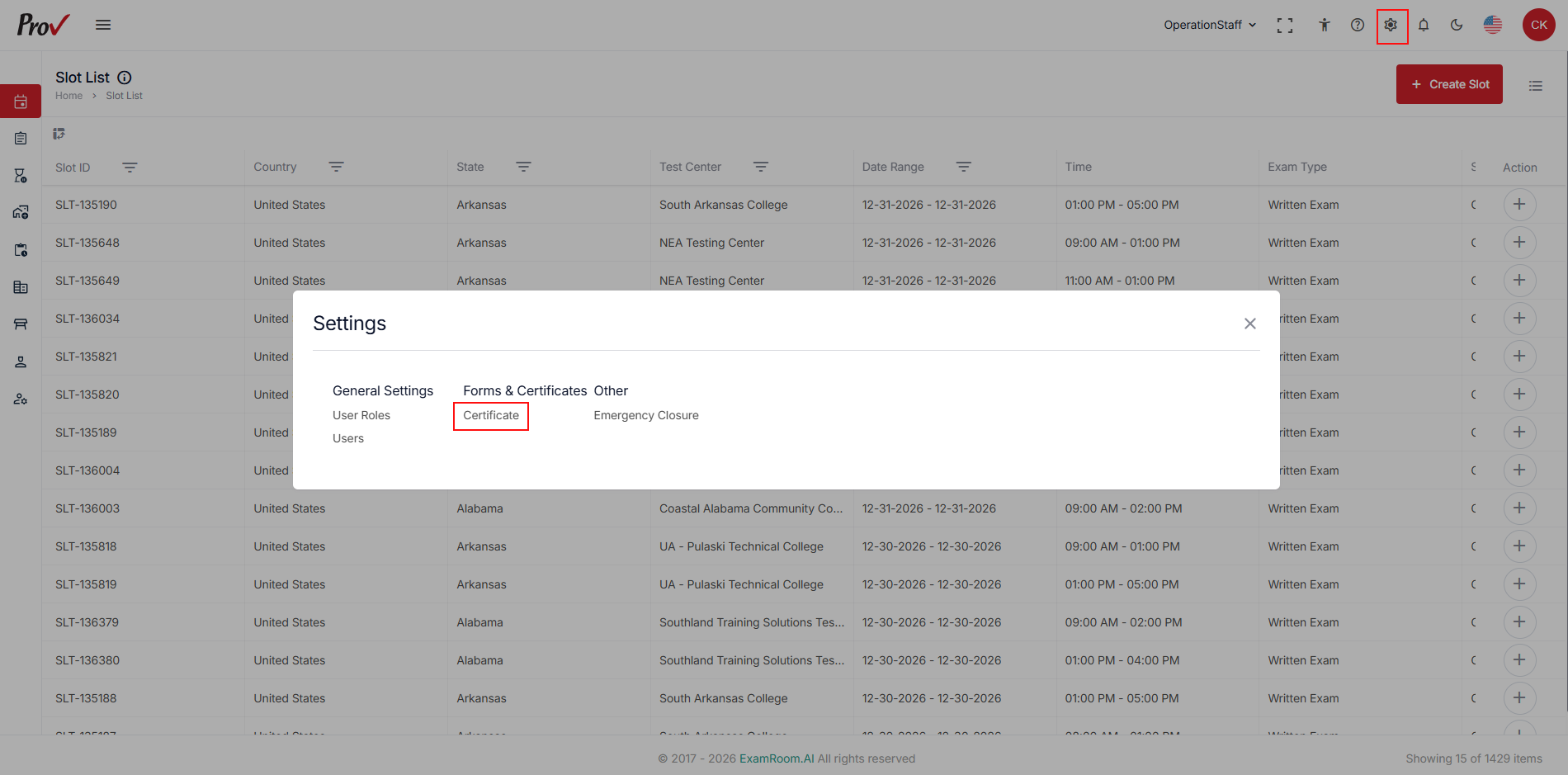
- From the TSM console, click the Settings icon in the top-right corner.
- Under Forms & Certificates, click Certificate.
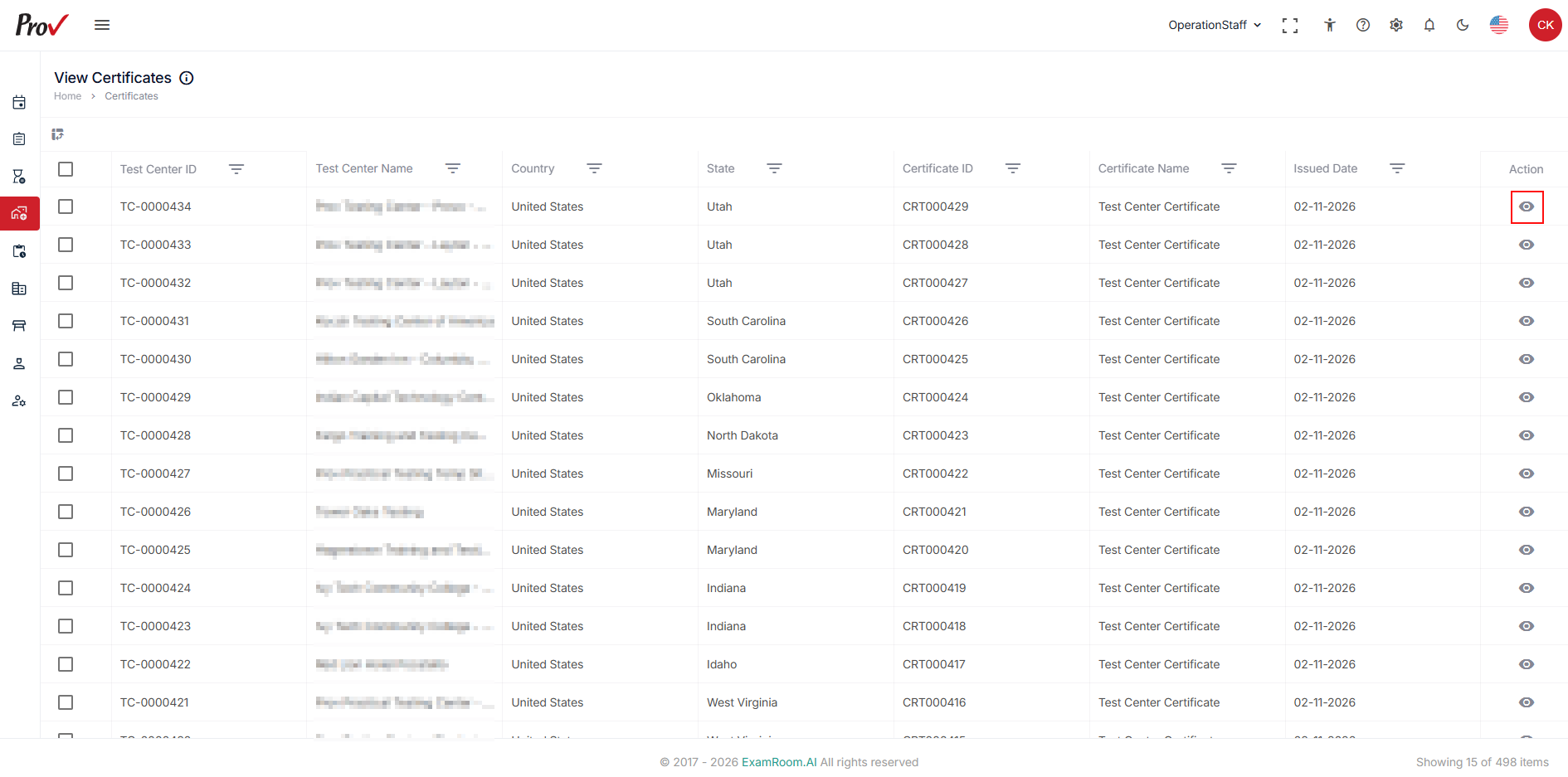
- Locate the required certificate from the list.
- Click the View icon in the Action column.
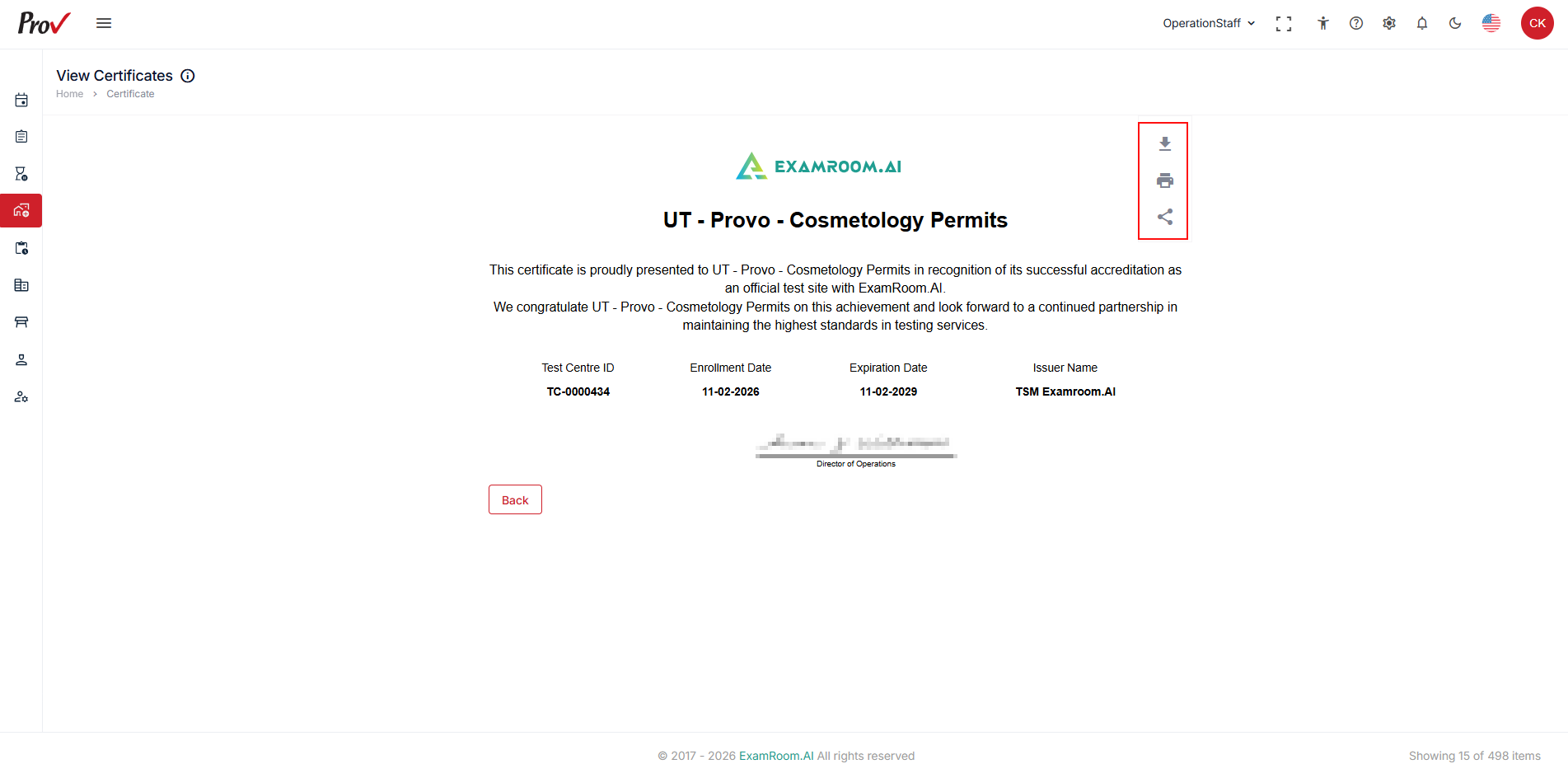
- The certificate details are displayed, including the Test Center ID, Enrollment Date, Expiration Date, Issuer Name, Certificate name and accreditation information.
- Use the available options to download print and share:
- Download: Download the certificate.
- Print: Print the certificate.
- Share: Share the certificate
- Click Back to return to the View Certificates page.