Settings
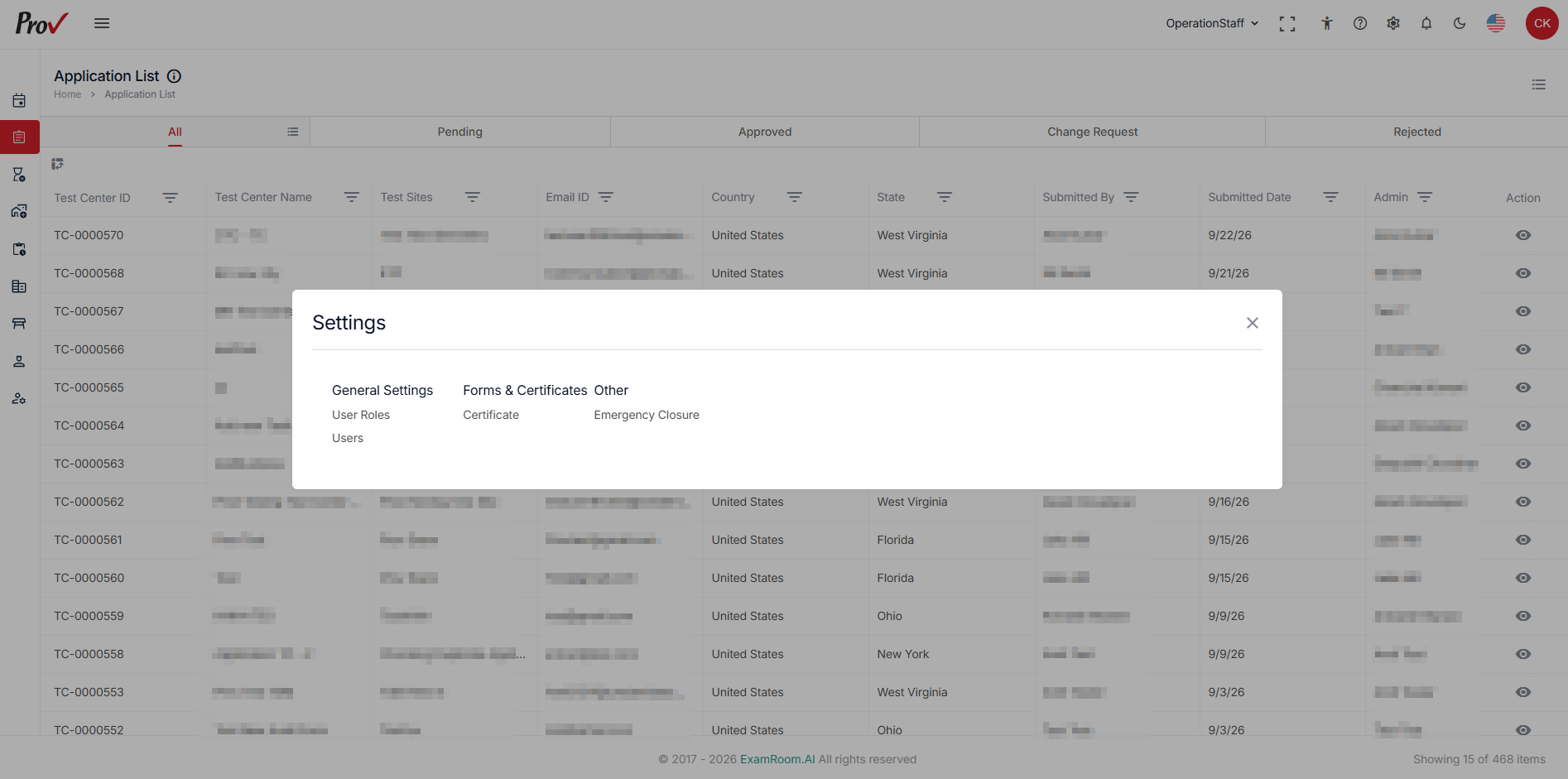
In the General Settings section, you will find options such as Manage User, Manage User Role, Announcements, and more, depending on your role’s permissions.
Click the Settings icon on the toolbar, available from any part of the platform. After logging in, it appears at the top of the page.
- In the User option, add a new user and manage existing users in the test center.
- In the User Roles option, create new roles and update the user roles of the existing users.
- In the Certificate option, you can access all the certificates generated for the test.
- In the Emergency Closure option, create and publish a test center emergency closure.