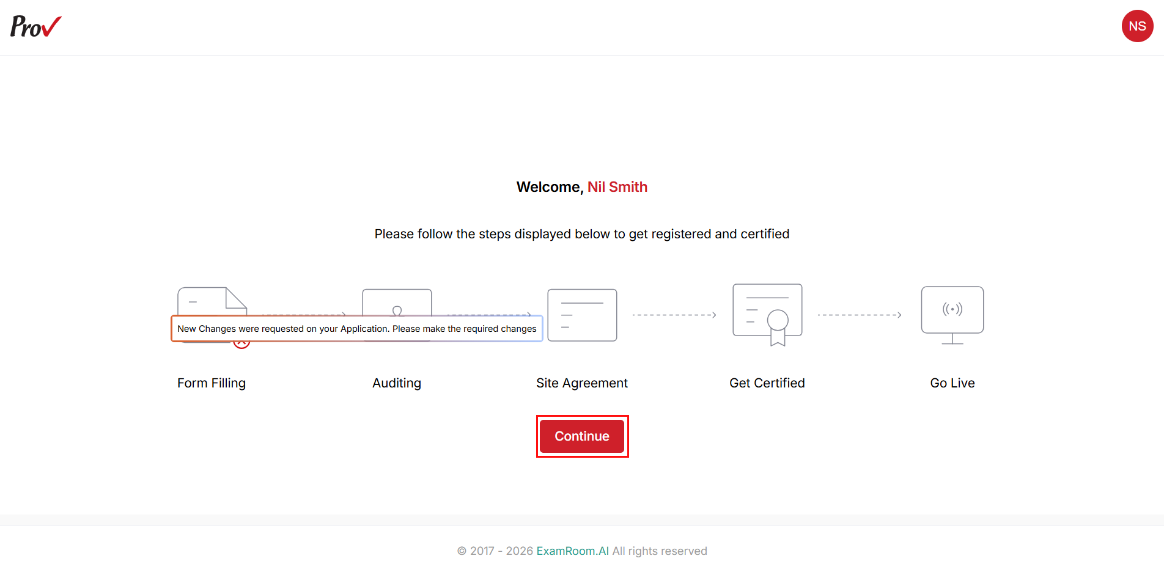
Form Filling –Update Change Request
If your application requires modifications, you will receive an email notification about the change request. You can then log in to view the request and update the necessary details to move forward with the application approval.
- After logging in, hover over the Form Filling icon to view the status.
- If any changes are requested, click Continue to update.
- Navigate to the Change Request comments section at the top right of the page and click the Message icon to view comments on change requests.
Note: The required change comments will be added under the section title where the change is needed.
- After making the requested changes, click Submit provided at the last page to resubmit the application for review.