Logging In – Subsequent Logins
Follow the steps to log in with the Prov TSM Platform:
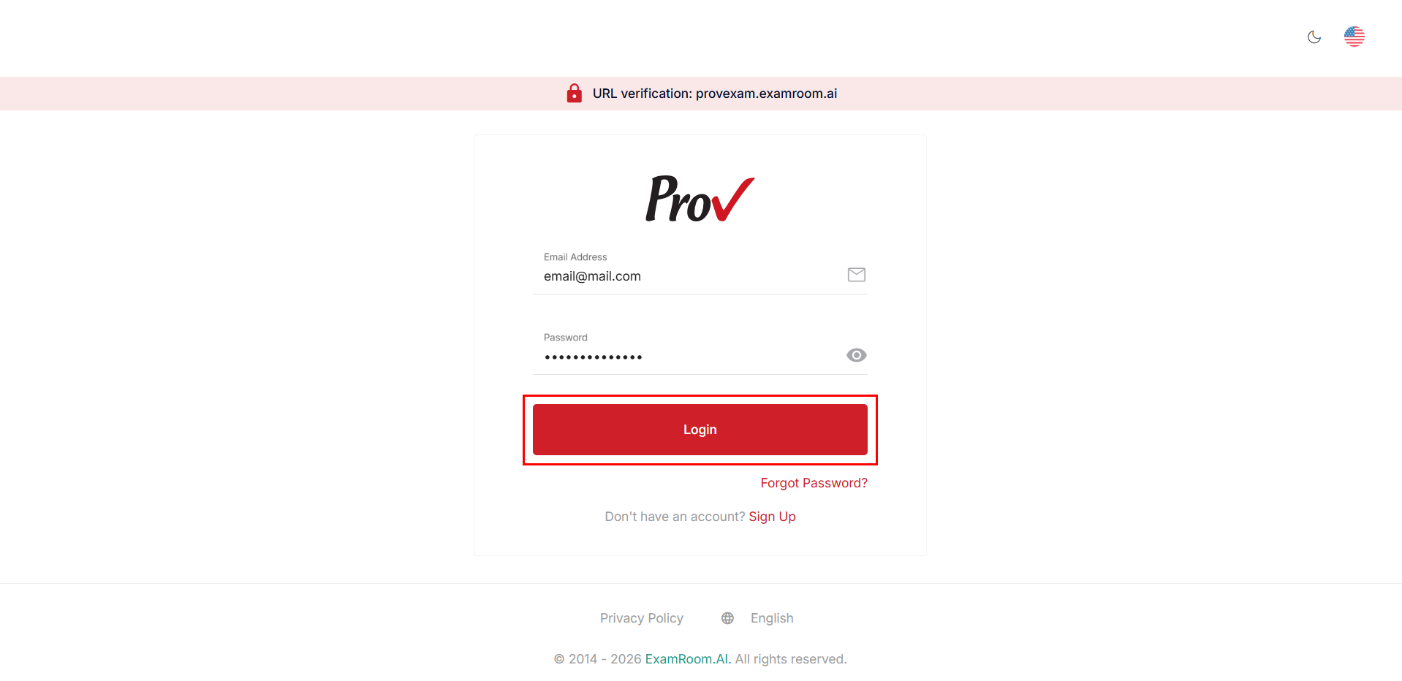
- Navigate to the Prov TSM platform login page, provexam.examroom.ai/testsite.
- Enter your registered email address associated with your Prov’s TSM account in the Email input field.
- Enter your password in the Password field.
- Click the Login button to log in to your account.
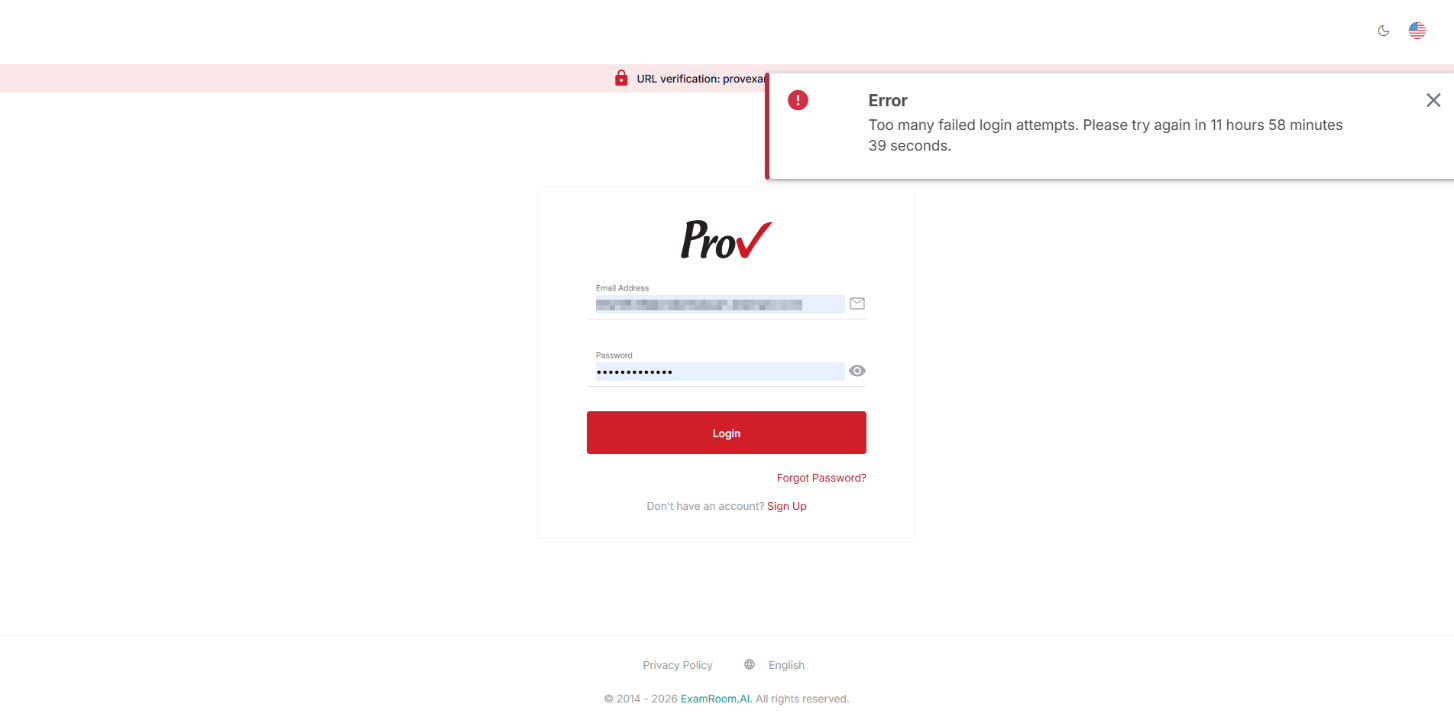
Note: Your account will be locked for 12 hours if you enter the wrong credentials five consecutive times.