Help Center
Go back to application
Help Center
Go back to application
Operation Staff
Introduction
Getting Started
Logging In
Forgot Password
General Information
Highlight Panel
Settings
Notifications
Manage Profile (Change Password)
Slot Management
Slot Management
Create Slots
Application
Application
Audits
Audits
Site Agreements
Site Agreements
Exams
Exams
Test Center
Test Center
User
View and Edit User
Add Users
User Roles
View and Edit User Role
Add New Role
Certificate
Certificate
Emergency Closure
Emergency Closure
Proctor
Introduction
Getting Started
Activate Account
Logging In – Subsequent Logins
Forgot Password
General Information
Highlight panel
Notifications
Manage Profile (Change Password)
Onboarding Queue
Onboarding Queue
Proctoring Queue
Proctoring Queue
Site Manager
Introduction
Getting Started
TSM Registration – Sign Up
Logging In – Subsequent Logins
Forgot Password
General Information
Highlight Panel
Settings
Notifications
Manage Profile (Change Password)
Onboarding Dashboard
Onboarding Dashboard
Form Filling – Submit Onboarding Application
Form Filling –Update Change Request
Auditing – Submit Onboarding Audit
Site Agreement – Sign the Agreement and Submit
Get Certified
Go Live
Test Center
Add Test Center
Test Center List
Manage User
View and Edit User
Add Users
Manage User Roles
View and Edit User Role
Add New Role
Onboarding Queue
Onboarding Queue
Proctoring Queue
Proctoring Queue
Announcement
View Announcement List
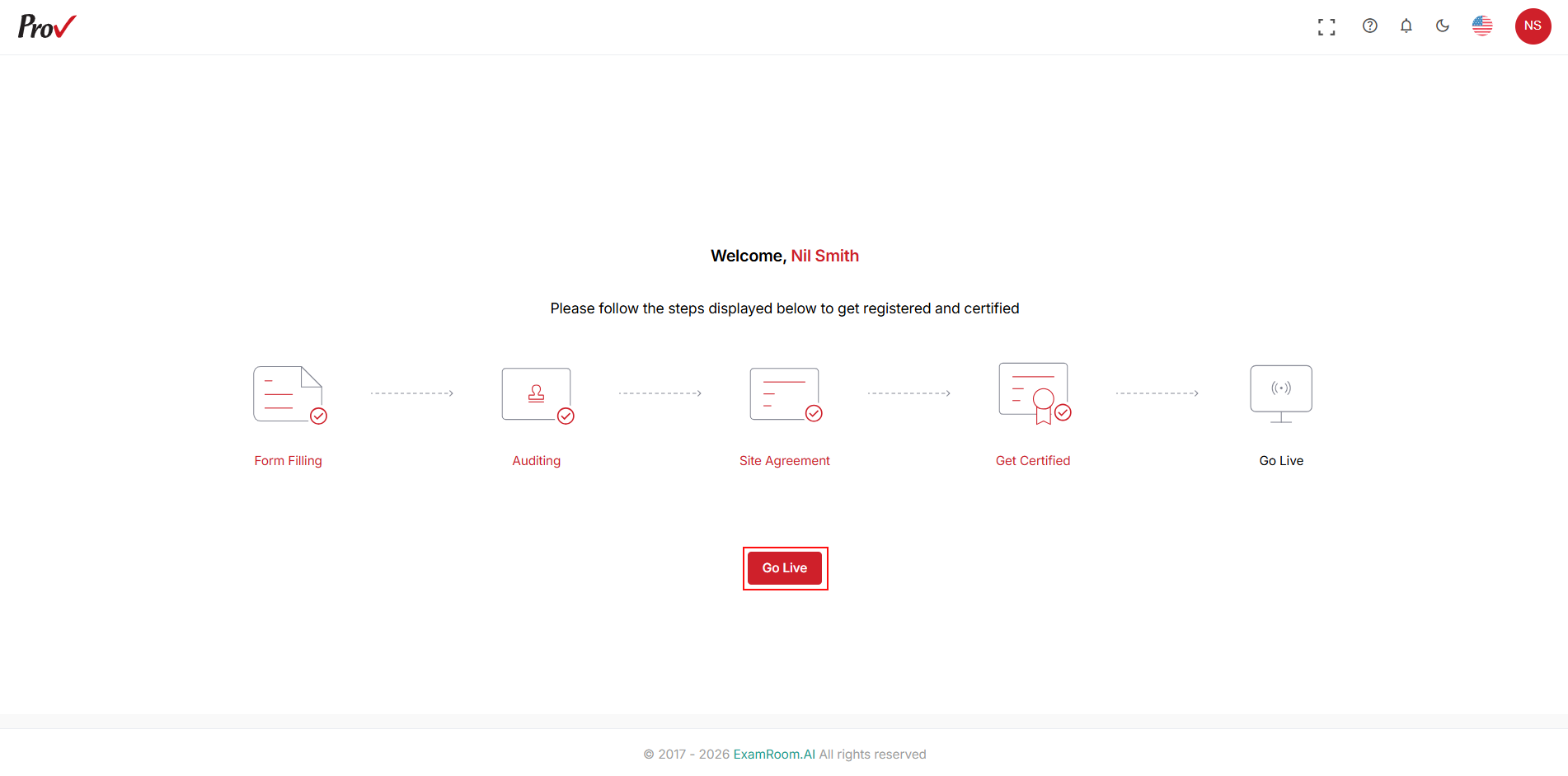
Go Live
Once the certificate is generated, click
Go
Live
to run the operations of the test center.