Auditing – Submit Onboarding Audit
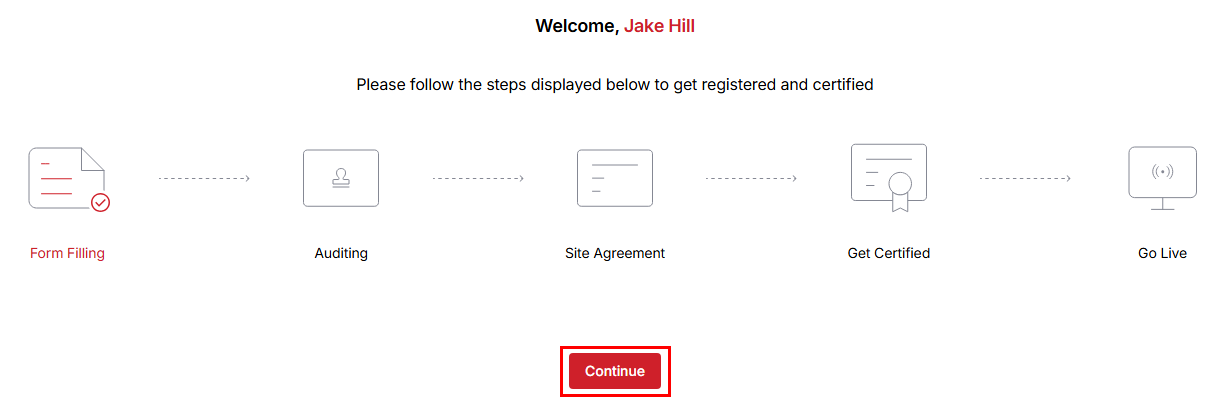
Once the application is approved, you will be able to complete the self-audit process to proceed further.
- If the application is approved, you can proceed with the audit process.
- Once you obtain approval, move forward with auditing the authorized test center.
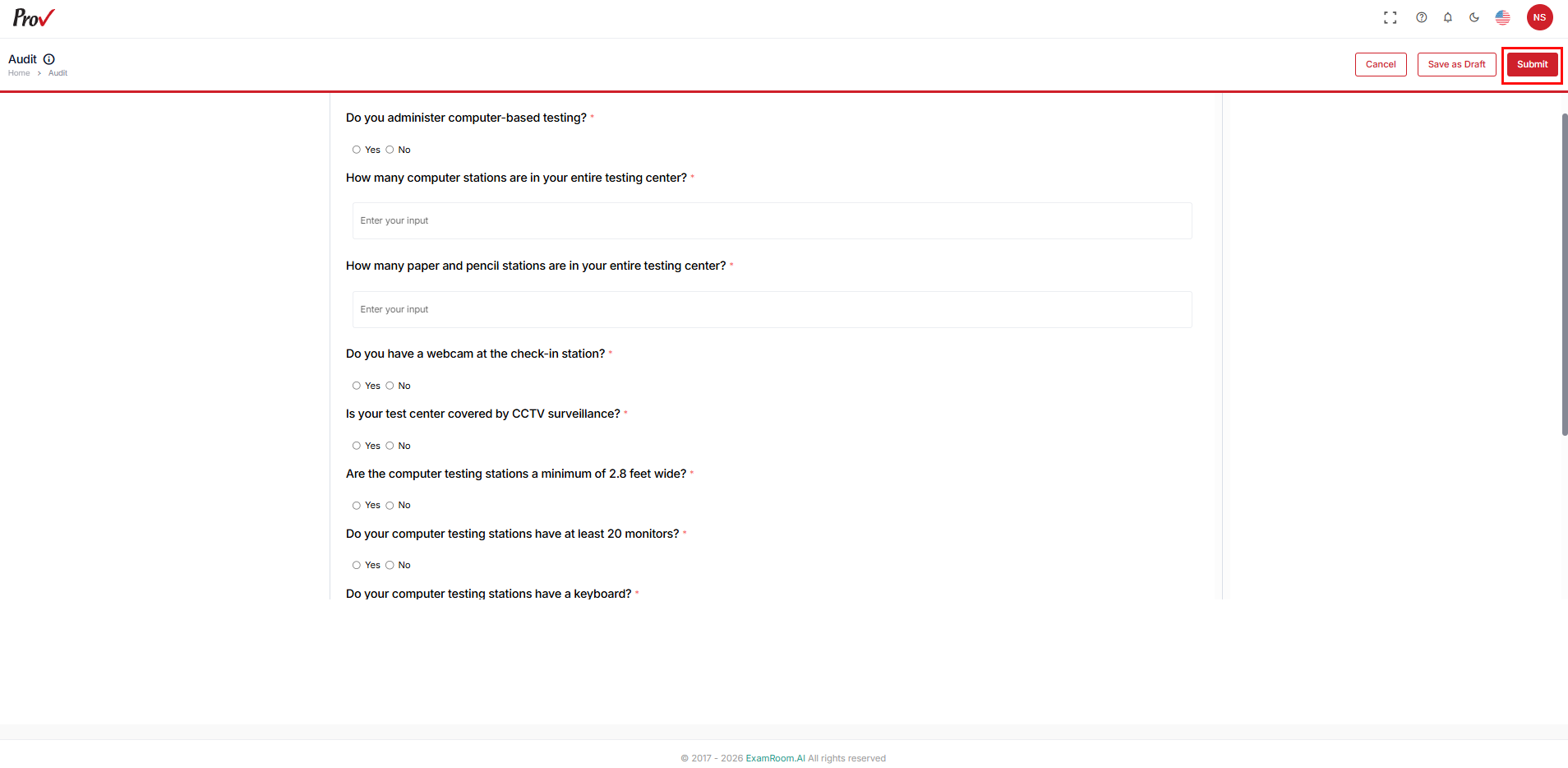
- In the Audit Form, fill out all mandatory fields and upload the necessary documents for the auditing process.
- Click Submit to send the Audit Form for review.
- Use Save as Draft to save the application form.
- Use Cancel to go back to the Onboarding Dashboard.
- Click the Message icon to view the Comments from operations staff and make the necessary changes.
- Click Submit to resend the Audit Form for review.
- Use Save as Draft to save the application form.
- Use Cancel to go back to the Onboarding Dashboard
- Click the double-arrow icon to view the Activity Timeline.
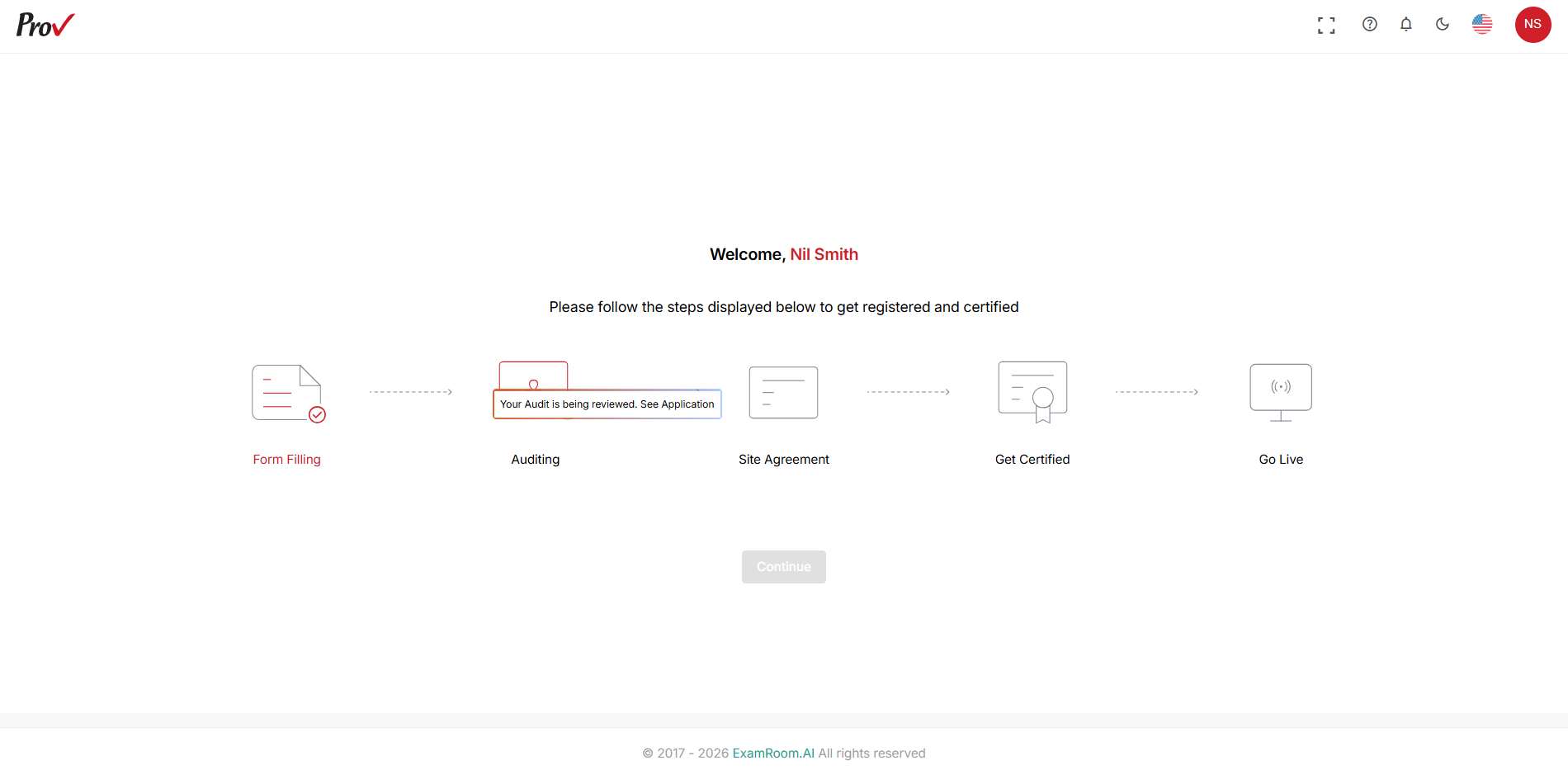
- After submission, you will receive a toast message stating that the audit is saved successfully and sent for review.
- Operations teams will review the audit form and act (approve, reject, and request change) accordingly.
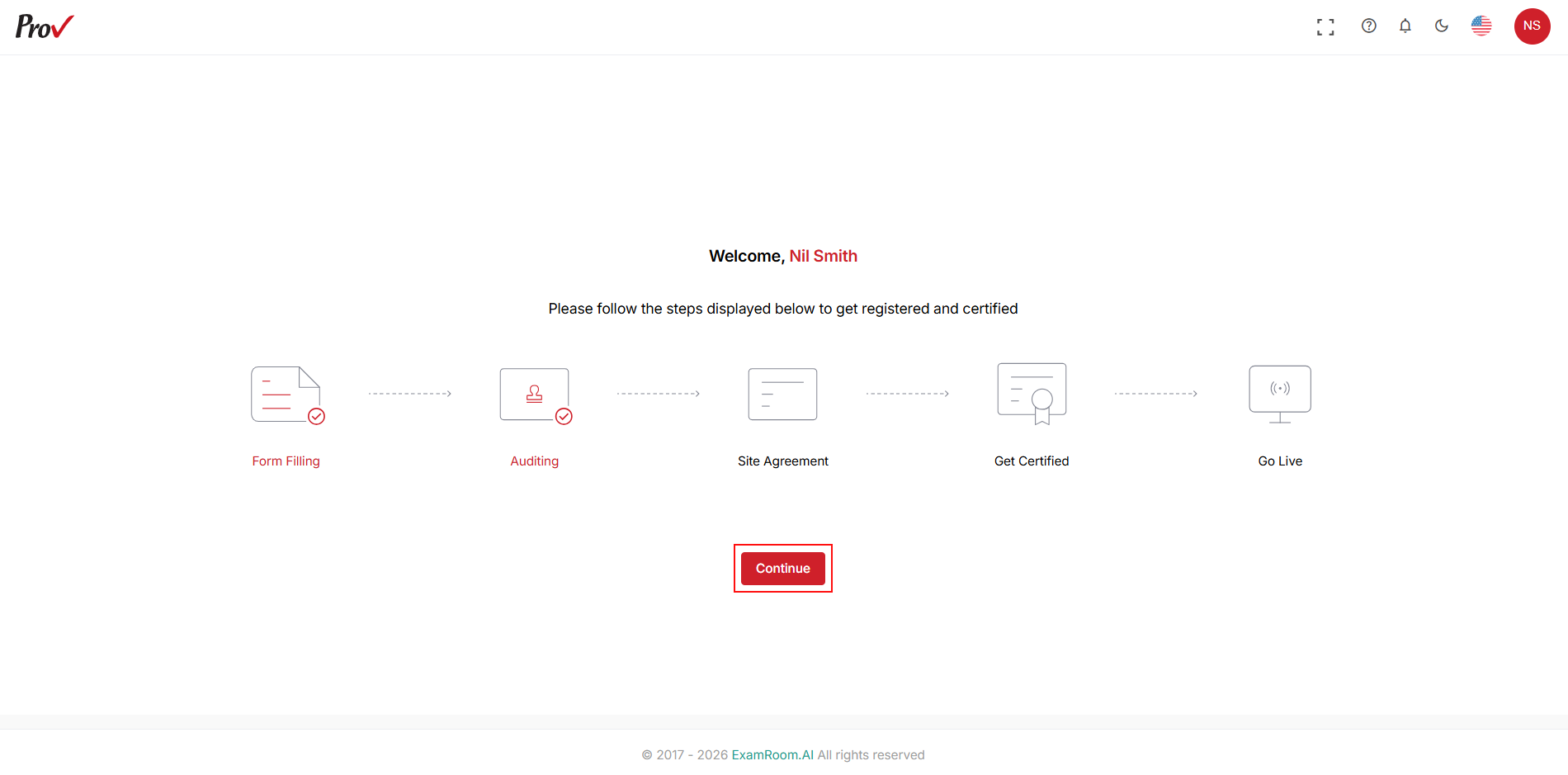
- Once the audit form is approved, click Continue to proceed with the Site Agreement.