Logging In
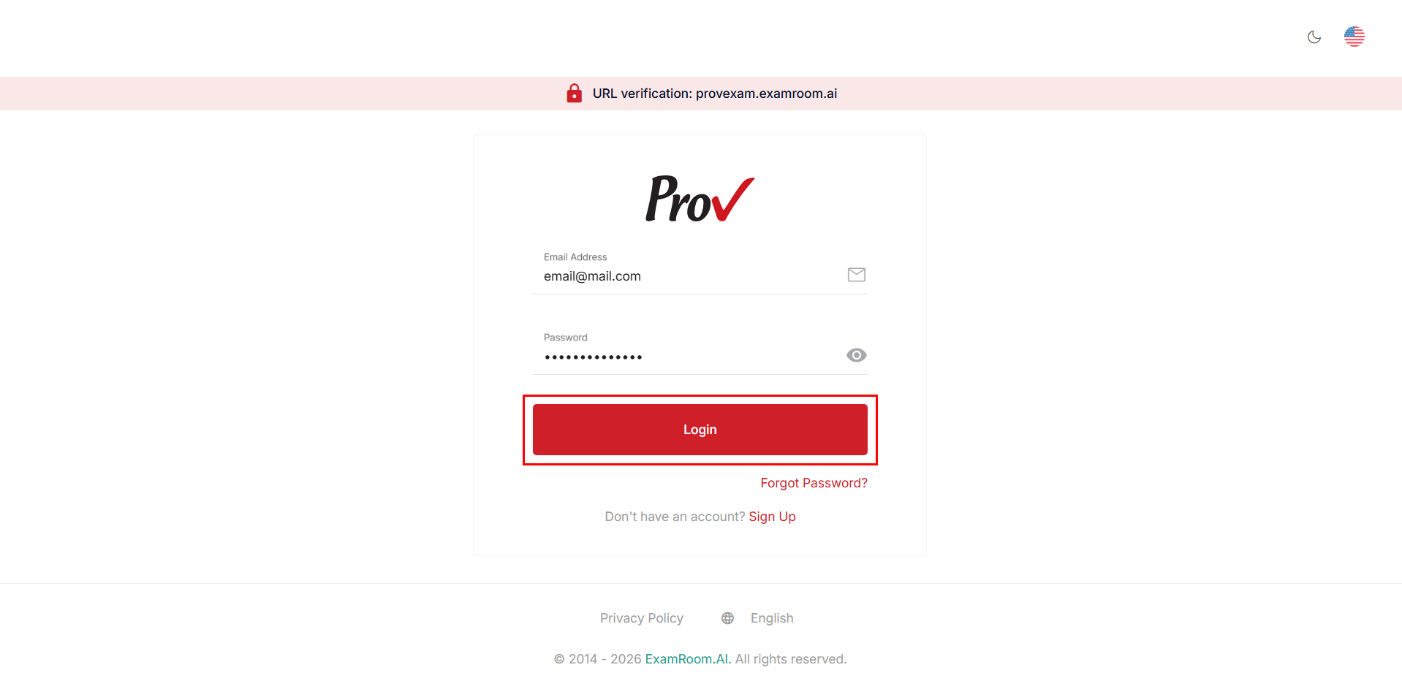
To log in to the Test Site Management (TSM) account, go to the Prov TSM login page and use your registered login credentials. The operations staff account is created from the backend by the admin and provided to the intended user.
Follow the steps to log in with the Prov TSM Platform:
- Navigate to the Prov TSM platform login page: provexam.examroom.ai/testsite.
- Enter your registered email address associated with your Prov’s TSM account in the Email input field.
- Enter your password in the Password field.
- Click the Login button to log in to your account.
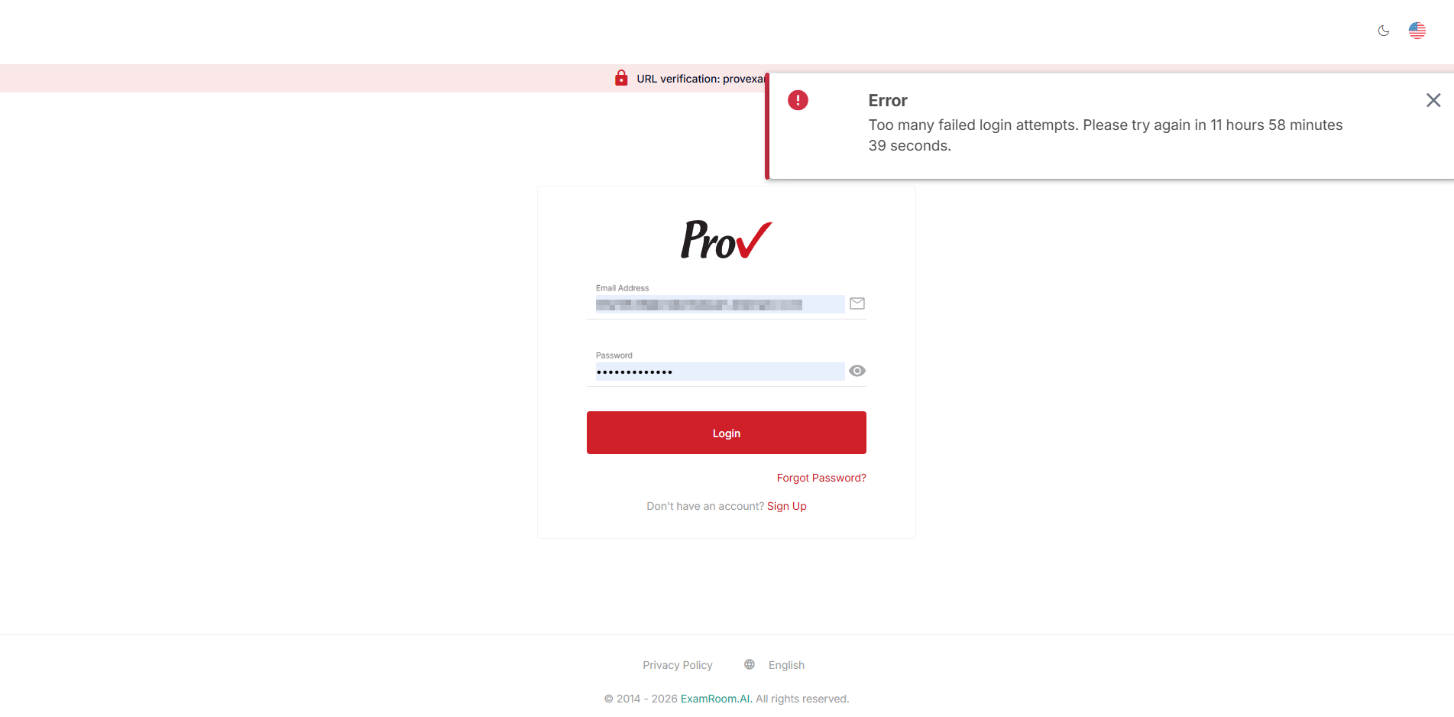
Note: Your account will be locked for 12 hours if you enter the wrong credentials five consecutive times.